Mobile app · Android and iOS

EOTAK Stack

One app for the TAK software your team runs. Pick the ATAK version everyone is on, install vetted plugins, download the map packages you need, and read and update your VICE sensors over Bluetooth.

Download on the App Store Get it on Google Play
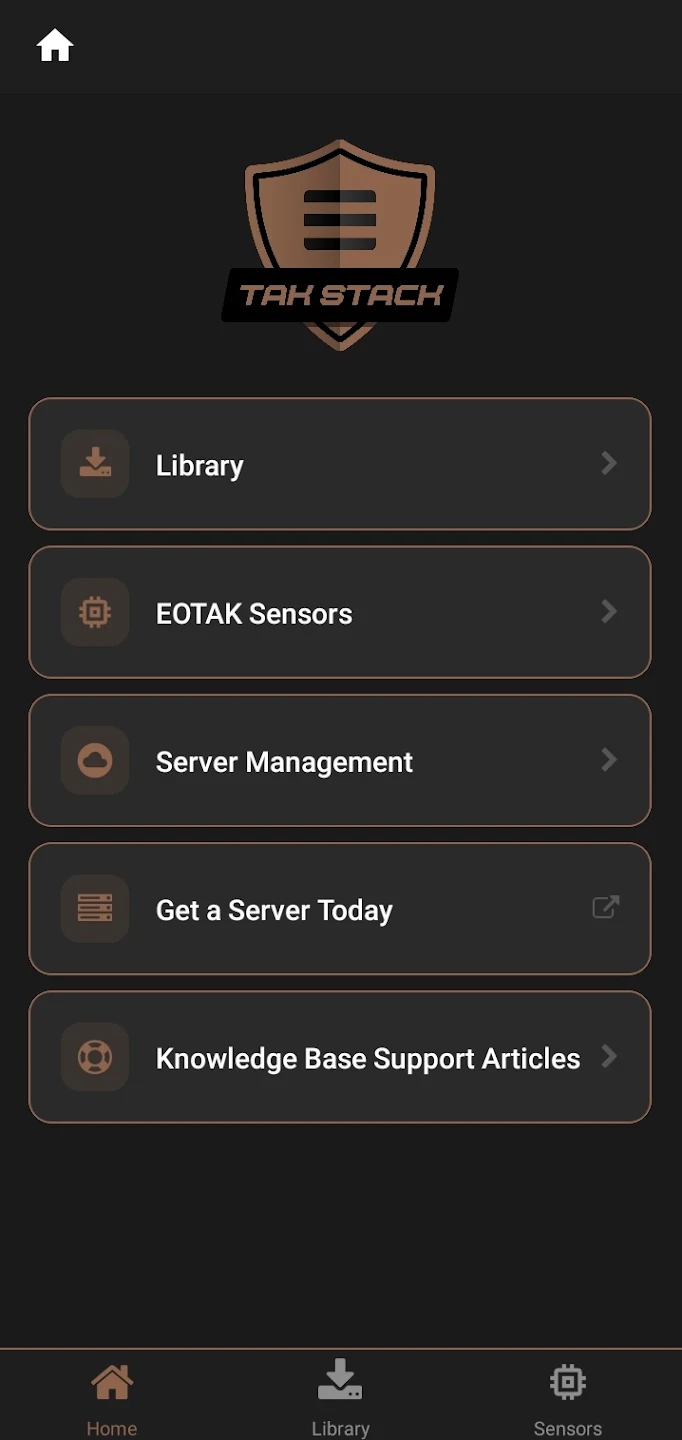
EOTAK Stack home screen with Library, EOTAK Sensors, Server Management, Get a Server Today and Knowledge Base Support Articles
Platform
Android and iOS
Maps
Open-source packages
Sensors
Paired over Bluetooth
Sign-in
SSO or an EOTAK account
01

What it does

One place for the TAK software a team has to keep straight, instead of five downloads from five sources and a version mismatch nobody finds until it matters.

One ATAK version

Pick the build the whole team runs, and put everyone on it.

Vetted plugins

From EOTAK, industry partners and the TAK Product Center.

Map packages

Open-source map data, downloaded from inside the app.

02

Inside the app

Five things it was built to do, and nothing it was not.

Team compatibilitySelect, download and manage a specific ATAK version. Everyone on the same build is the difference between a plugin working in the field and not, and it is the failure nobody catches in the truck.
Trusted plugin sourceFind and install compatible plugins from EOTAK, industry partners and the TAK Product Center in one place, vetted before they reach the device.
Map packagesDownload open-source map packages from inside the app, alongside the plugins and the ATAK build, instead of sourcing geospatial data somewhere else and moving it across by hand.
Server managementPoint the device at your EOTAK Server, or get one from the same screen if you do not have one yet.
Sign-inSingle sign-on through a federated identity provider, or a plain EOTAK account.
03

Your sensors

Pair a VICE module over Bluetooth to read what it is doing and to keep it current.

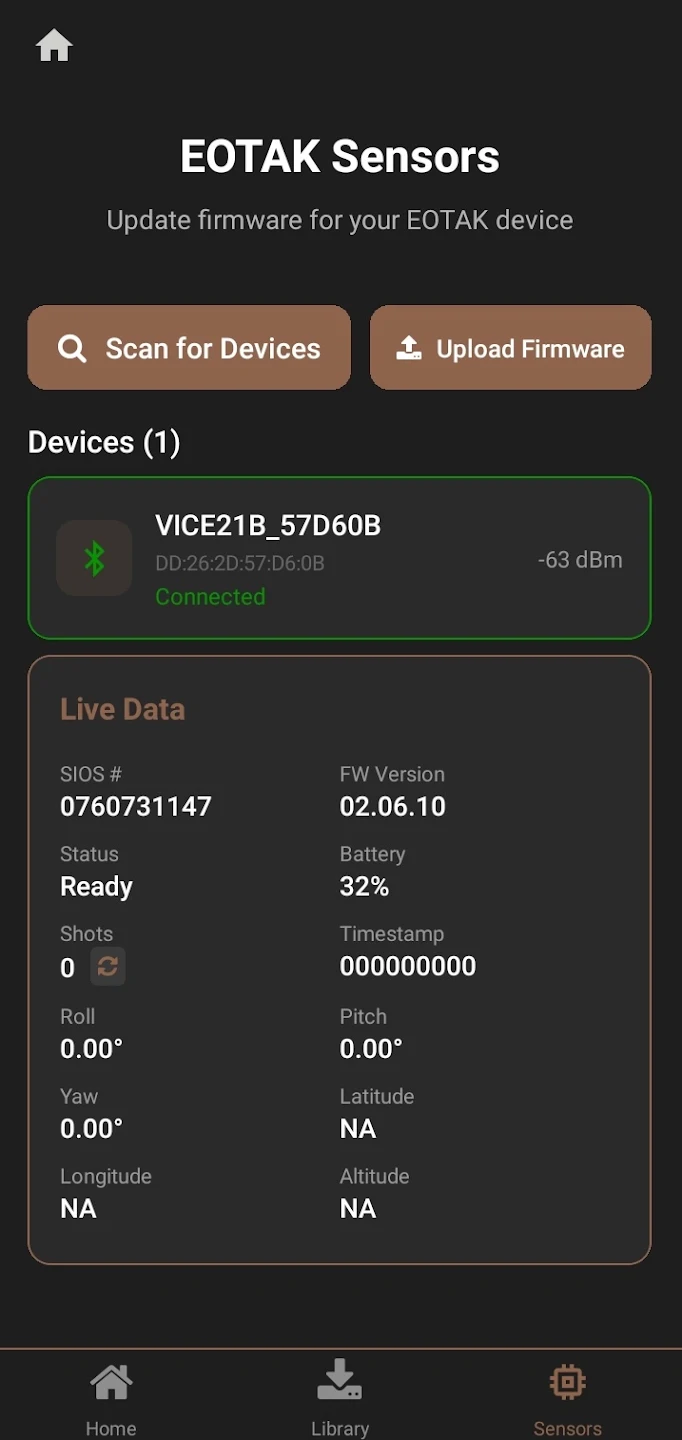
EOTAK Stack sensors screen with a connected VICE module showing firmware version, battery percentage, shot count and roll, pitch and yaw
EOTAK Stack · connected module
Live from the modulePair a module and the app shows what it is reading: firmware version, battery, shot count, and roll, pitch and yaw as they move.
Firmware in placePush a new build over the same Bluetooth connection. No cable, no laptop, and the module never comes off the weapon. The Glock Module, Core and URS all update from this screen.
Not the reporting pathWhat you see here is the app talking to the module in front of you. It is not how a shot reaches your team: a sensor reports to ATAK, and ATAK reports to your EOTAK Server. Stack sits to one side of that.
EOTAK Stack

Put it on
the team’s phones.

Android and iOS. Point it at your EOTAK Server, or get one from inside the app.

Download on the App Store Get it on Google Play

CLARKSVILLE, TN · +1 (931) 266-0888